EnergyAtlas Wiki
Workflows
Quick Start Workflows Python WebAPI Library User Stories Wiki Guide
  • Workflows Overview
  • Input and Output
  • Data Preparation
  • GUI Workflows
    • Urban Data Integration
    • Spatial Data Preview
    • Template Definition and Assignment
    • Scenario Design and Simulation
    • Running and Calibrating
    • Results View
    • LiDAR Workflows
  • Shading Guides
    • Shading Guide Index
    • Voxelization and Sensors
    • Sunlit Fraction
    • Sky and Horizon View Factors
    • Incident Radiation

Workflows

Spatial Data Preview Tool

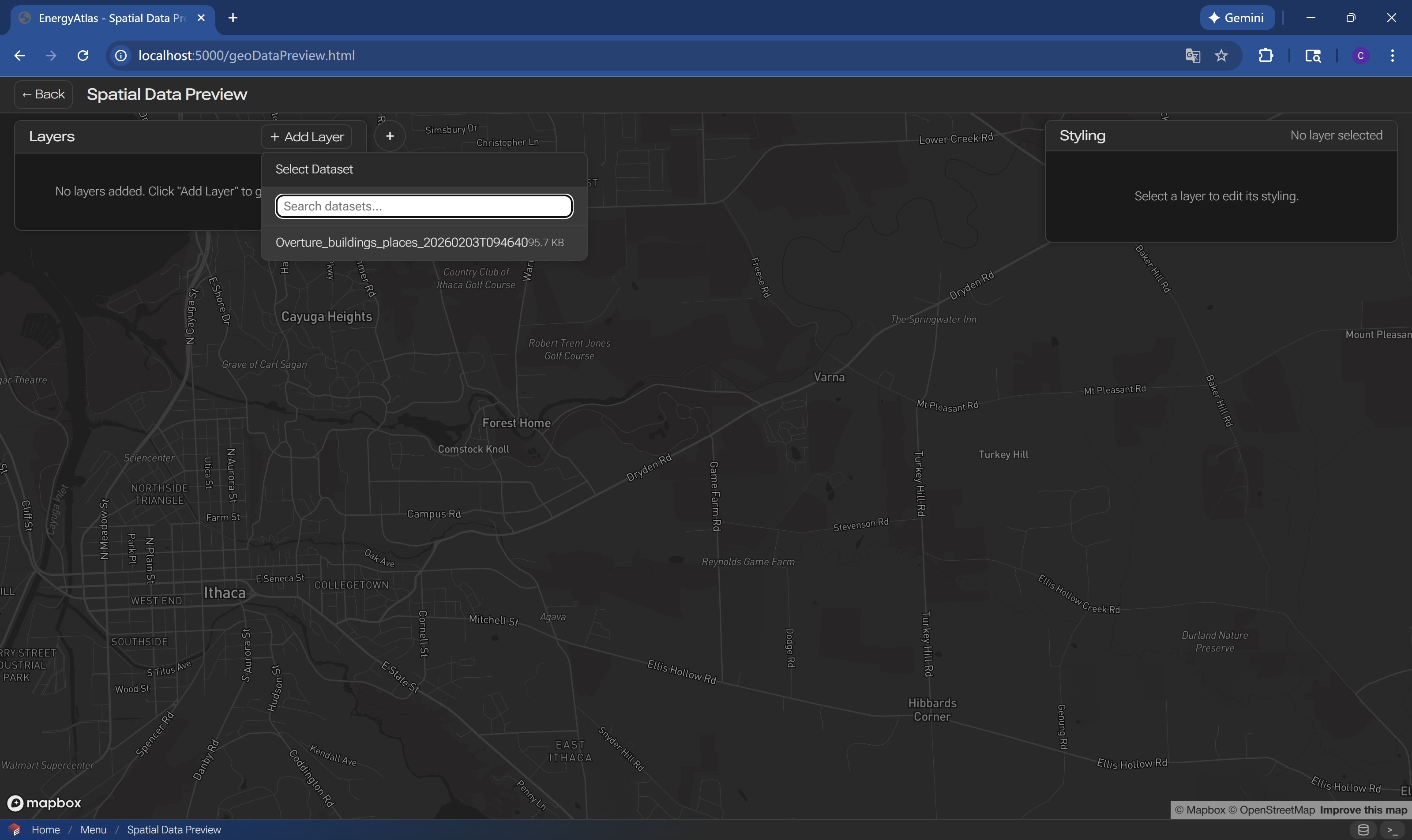
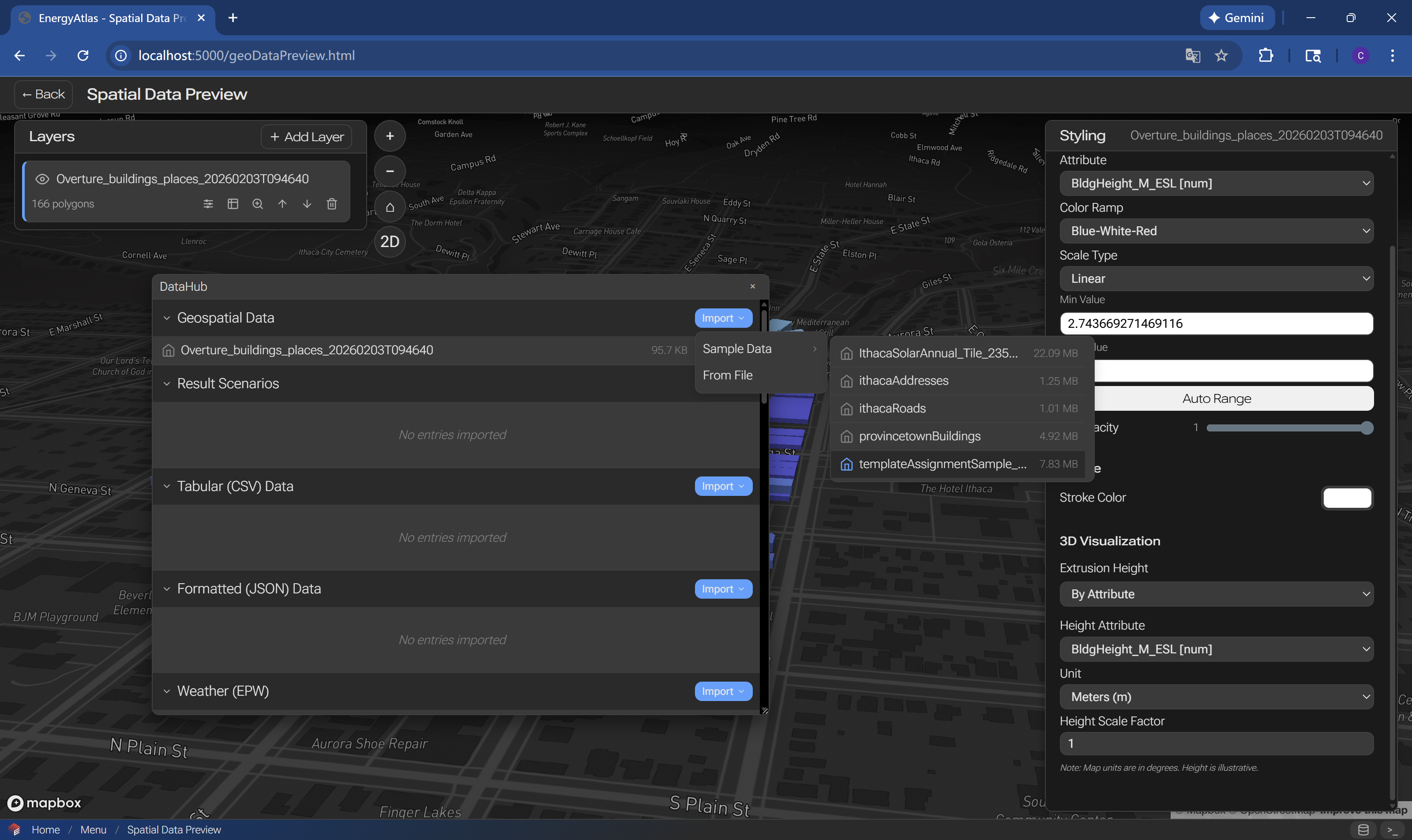
Step 1: Import Data from DataHub

Step 1 import data from datahub

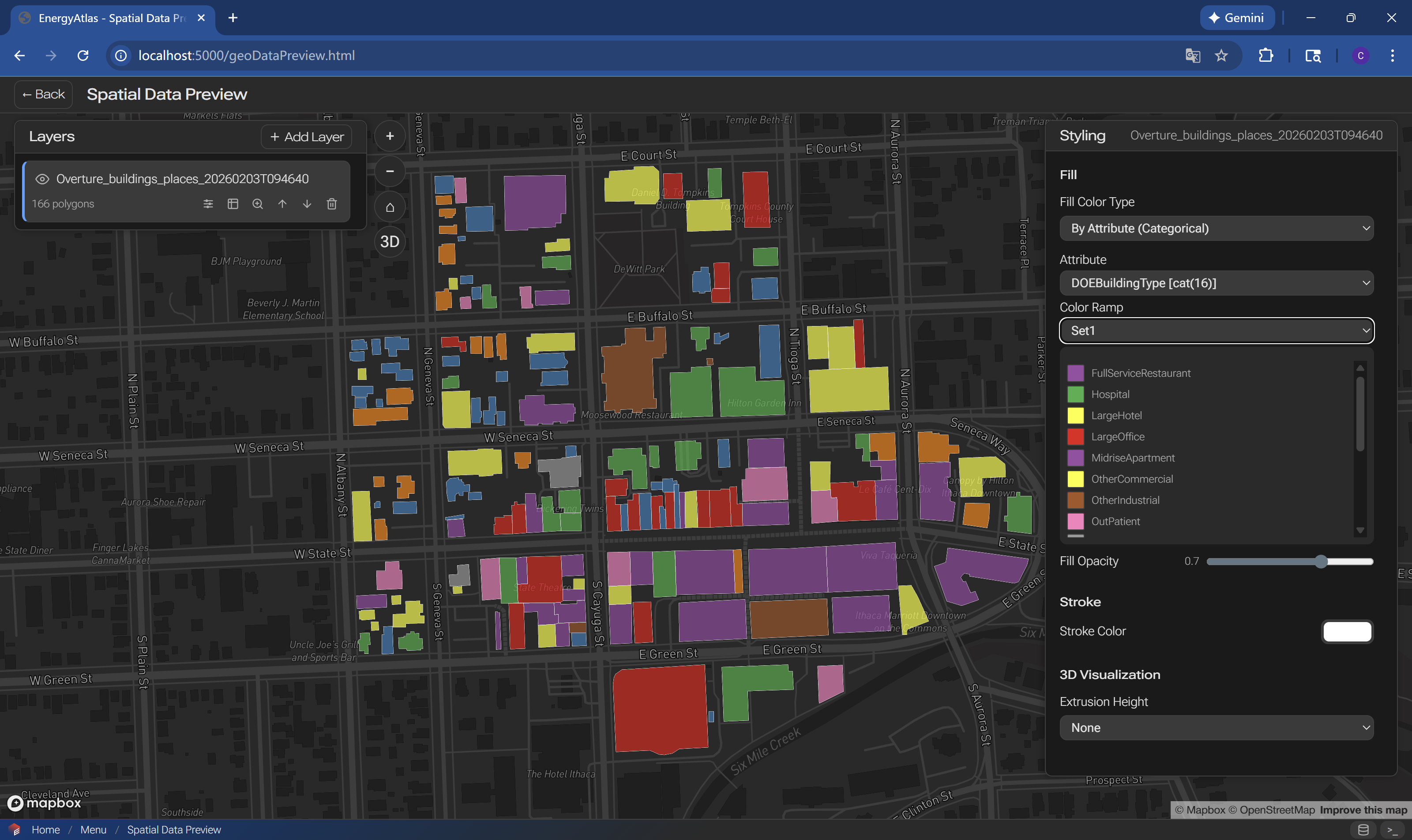
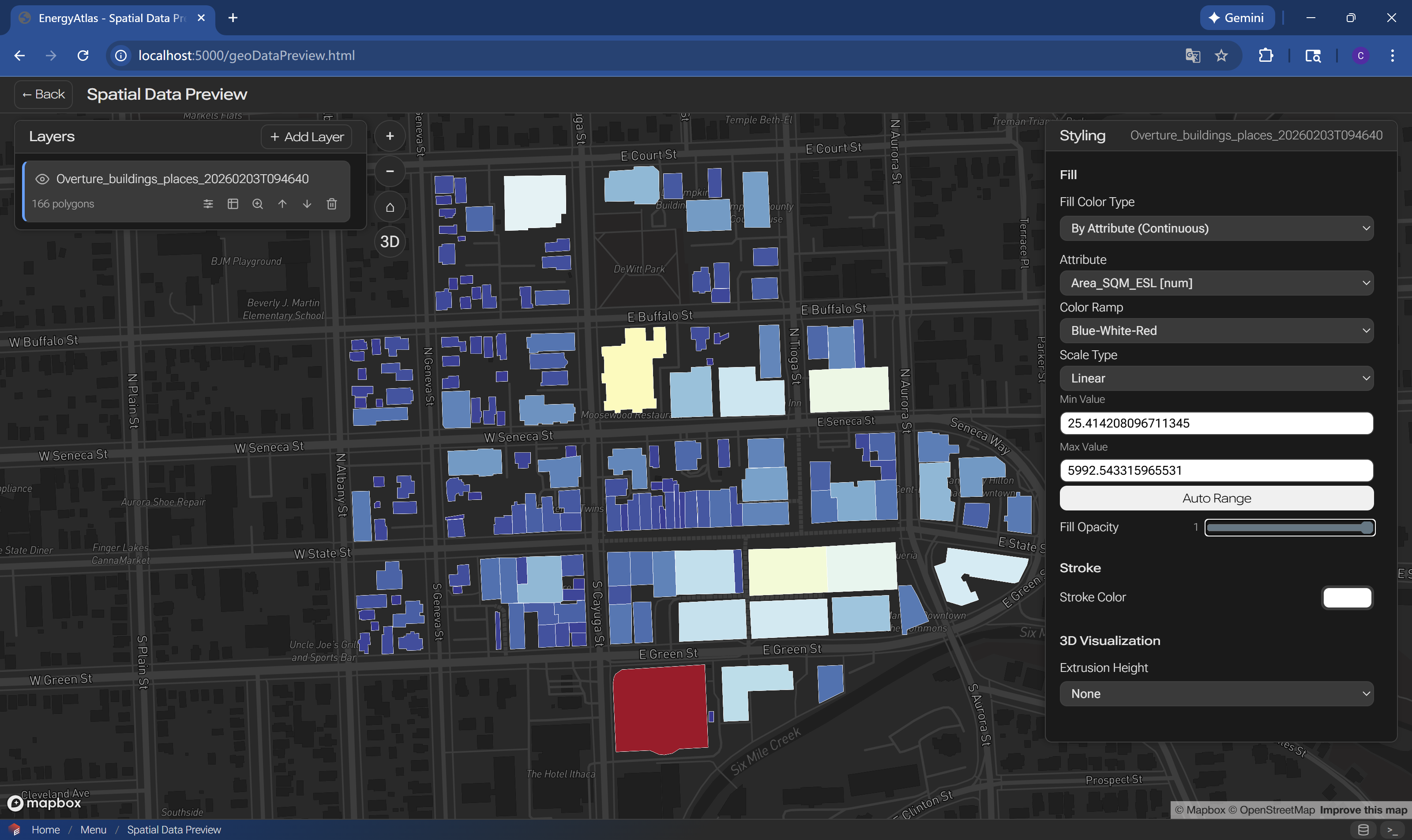
Step 2a polygon feature data driven styling: categorical Step 2b polygon feature data driven styling: continuous

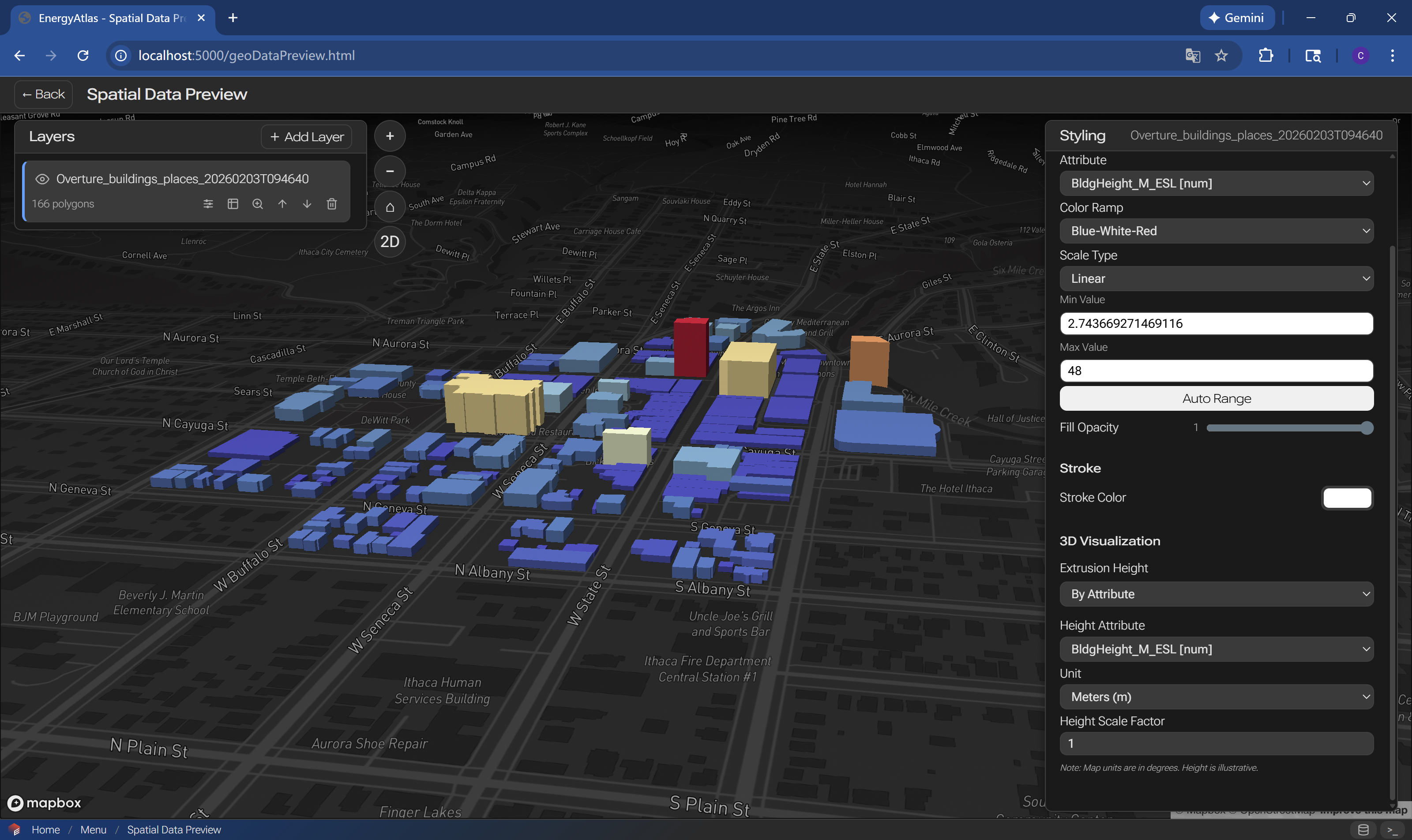
Step 2c polygon feature 3D styling

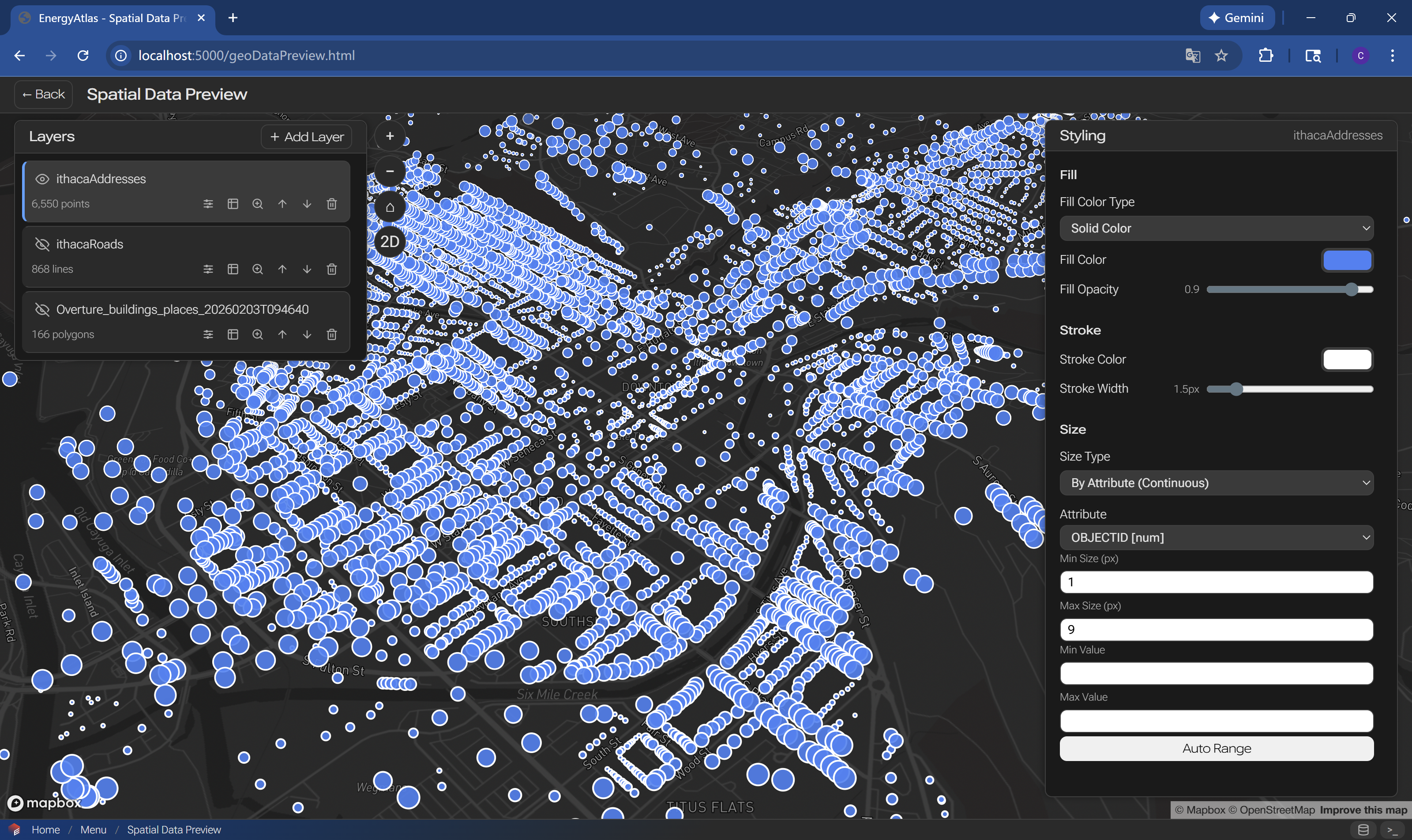
Step 3 load additional features from sample data

Step 4 point feature data driven styling

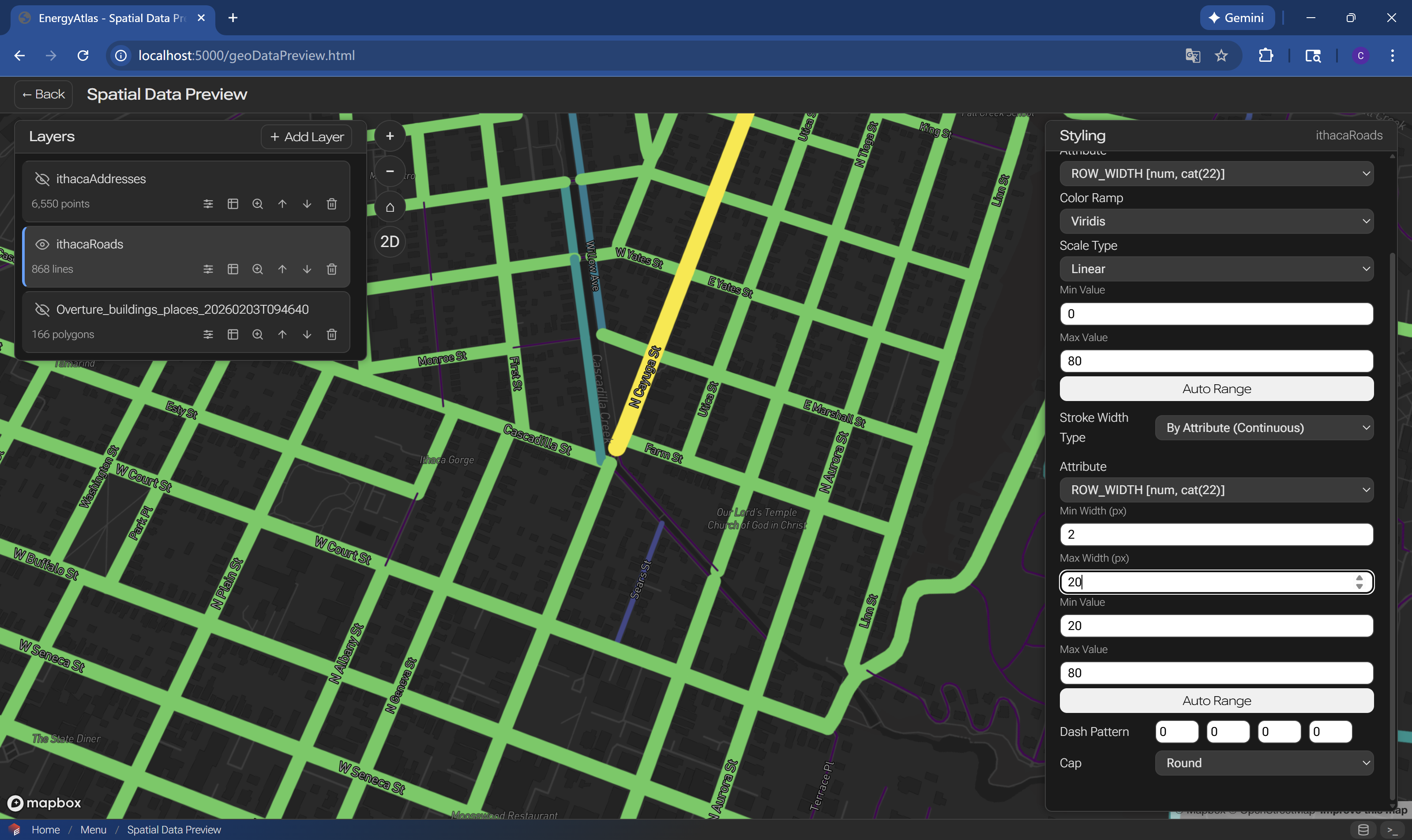
Step 5 linestring feature data driven styling

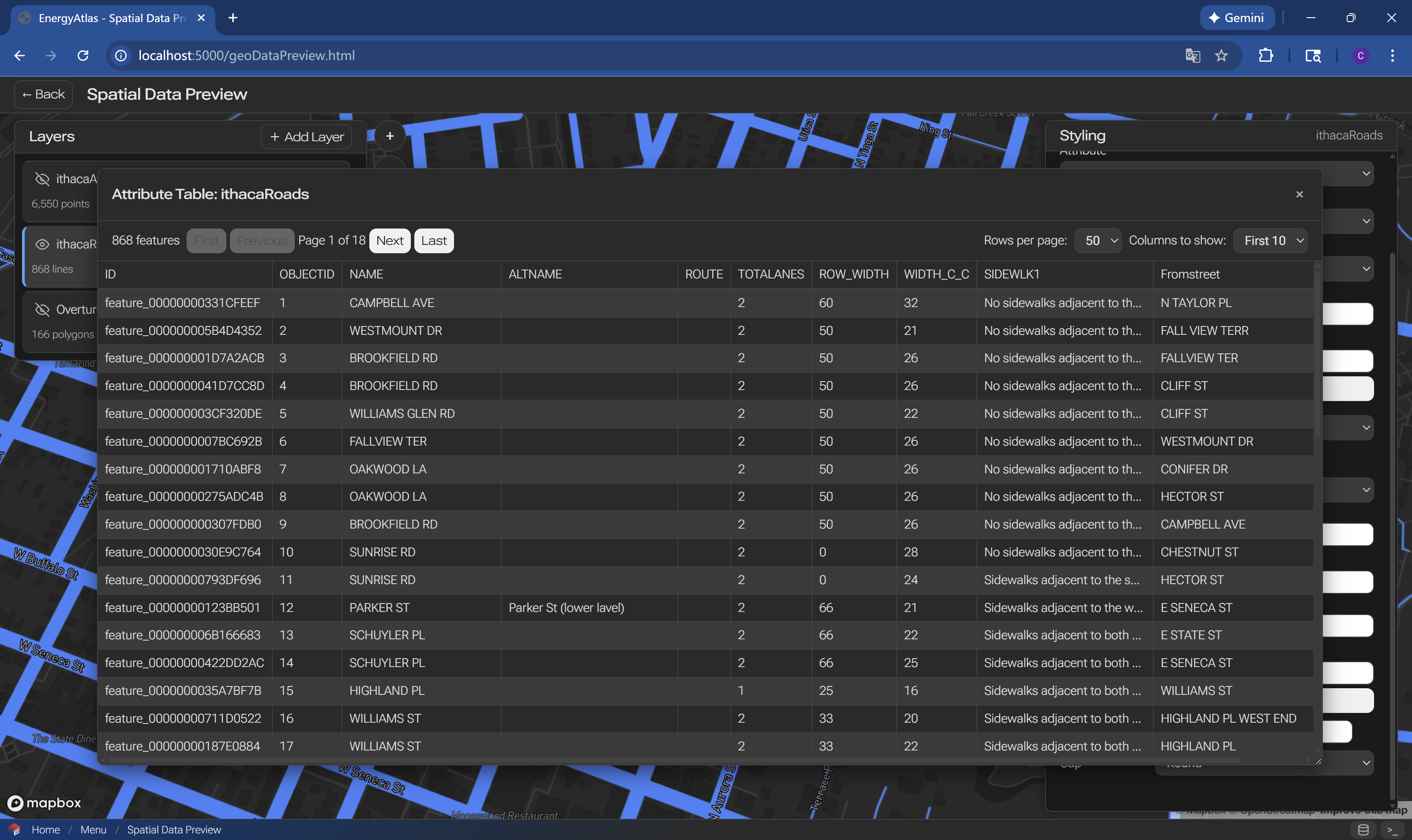
Step 6 attribute table view

Urban Data Integration Previous Template Definition and Assignment Next

Last page update GMT-04:00 05:00 Jul 19 2026
Last website update GMT-04:00 05:00 Jul 19 2026

Found an issue on this page? Please open an issue on GitHub.

On this page

  • Spatial Data Preview Tool
    • Step 1: Import Data from DataHub

WIP EnergyAtlas Wiki

EnergyAtlas Wiki is still under active development. Thank you for your patience while we improve the documentation. If you have any questions, please contact us.